
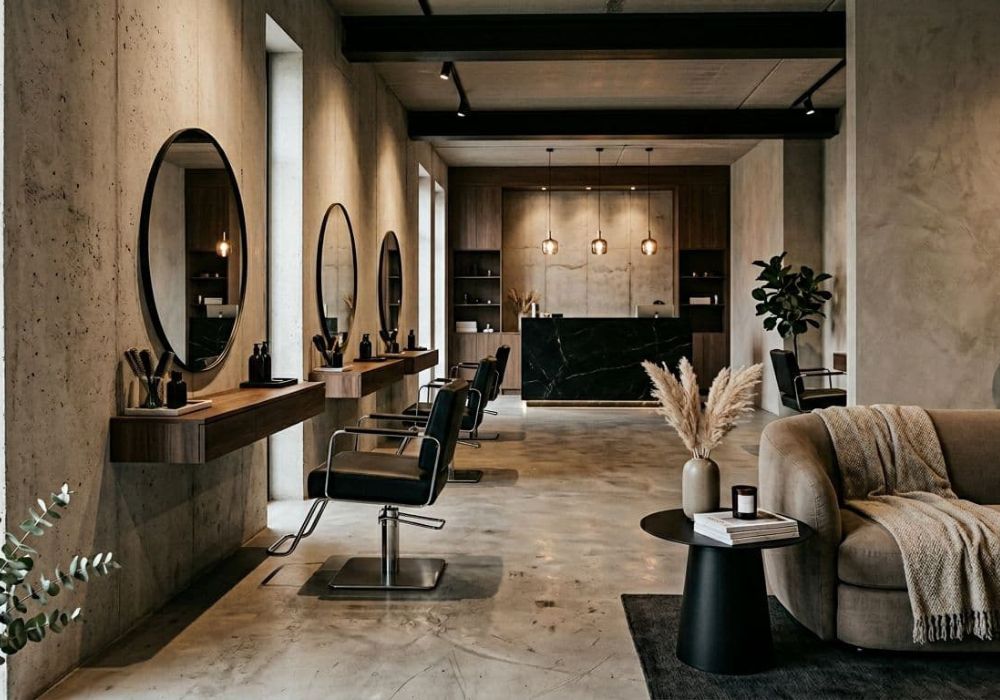


Your website fonts are doing a job for your branding. They’re either helping a new client think, “Oh wow, this salon is legit,” building that professional perception, or they’re sending them into a squinting spiral on their phone at 11:38 pm.
The problem isn’t that you picked a “bad” font. It’s usually that your font pairings look cute on a desktop mockup, then fall apart on mobile. Thin strokes disappear, scripts turn into spaghetti, and suddenly your service list reads like a fancy menu at a restaurant that hates you.
Let’s fix that. Here are pairings that keep the beauty vibe, still feel high-end, and don’t punish thumbs.
What makes font pairings boost mobile readability and brand identity (and not just in your brand board)
Mobile typography is basically like a good haircut. Typography impacts user experience, but so does how it grows out. The best font pairings for beauty brand websites have two things going for them: contrast (so headers feel intentional) and clarity (so body text reads fast).
A few mobile-friendly rules that save you from regret:
- Body font stays boring (in a good way). Use clean sans serif fonts for paragraphs, service descriptions, policies, and buttons. Phones don’t reward “delicate.”
- Serif font pairings belong in headlines, not paragraphs. High-contrast serifs can look luxe at 32px, then look like broken eyelashes at 16px.
- Skip ultra-thin font weights. On a bright screen outdoors (aka where most people browse), thin fonts fade out like a bad toner.
- Give your body text room to breathe for better readability. Aim for body text around 16px to 18px with a line height around 1.4 to 1.6. If your text looks “packed,” it reads “stress.”
- Limit font combinations to three type families. Four fonts is where things start feeling like a middle school poster project.
If you want a sanity-check list of typefaces that generally behave on screens, Typewolf’s curated Google Fonts collection is a solid place to start. And if you’re hunting for combos that are already popular in 2026, this Google Font pairing roundup is helpful for quick inspo.
One more thing: your fonts have to match how clients read. People skim. They don’t study. Especially not when they’re deciding between “Partial Highlight” and “Full Highlight” while sitting in a Target parking lot.
Beauty brand font pairings that feel elevated (but won’t blur on phones)
Great serif font pairings and font combinations are like a perfect stylist-client match. One brings the personality, the other brings the consistency. For most beauty websites, that means a headline font with style, paired with a body font that behaves like an adult.
Here are proven Google Fonts combinations that work especially well for beauty brands, including hair salons and skincare brands: clean pricing pages, quick service skims, and booking buttons that don’t look like they’re whispering.
| Brand vibe | Headline font | Body font | Why it works on mobile |
|---|---|---|---|
| Modern luxury salon | Playfair Display | DM Sans | The luxury display font serif gives “editorial,” the modern sans stays crisp at small sizes. |
| Soft and minimal | Lora | Open Sans | Elegant but readable, great for minimalist design if your brand is calm and airy. |
| Trendy, clean, and bold | Poppins | Inter | Strong shapes from modern display fonts, easy scanning, perfect for service menus and buttons. |
| Warm and upscale | Cormorant Garamond | Source Sans 3 | The serif feels romantic, body text stays clear and not fussy. |
| Cool-girl studio | Space Grotesk | Roboto | A little edgy, still super legible for long pages. |
| Natural and earthy | Fraunces | Work Sans | Organic feel up top, clean body text for policies and FAQs. |
If you want to see what other designers are pairing specifically for beauty projects, Typ.io’s beauty pairing examples can spark ideas (and save you from scrolling Pinterest for three business days).
Quick reality check: script fonts are not banned. They’re just not invited to do the heavy lifting. If you love script fonts, use them for a tiny accent, like one word in a logo area or a short tagline, and keep them far away from anything clients need to read fast for optimal legibility.
How to apply Showit typography so your site stays readable (and books more)
Showit makes it easy to design something gorgeous in website design. It also makes it easy to accidentally create a site where your text is an “art piece,” not information.
Start by building a simple type system that establishes visual hierarchy and you’ll use everywhere: one font for headings, one font for body. Pick 3 to 4 sizes for desktop, then set smaller, cleaner sizes for mobile. Consistency is what makes a site feel expensive.
A few Showit-specific tips that keep your font pairings looking sharp on phones:
Keep key text as real text, not flattened into images. When text is baked into an image, it won’t scale well on digital screens, it won’t be searchable, and it often looks fuzzy on mobile, harming legibility. Your pricing and service descriptions deserve better.
Design for the smallest screen first. Test at about 320px wide, then check 375px to ensure readability. If your headline breaks into five awkward lines, tighten the copy, reduce the size, or adjust font weights. Don’t just shrink everything until it’s microscopic.
Watch your buttons. Booking buttons should be easy to read in one glance. Stick to your body text font or a bold version of it, tweak letter spacing if needed, and keep the label short. “Book Now” beats “Begin Your Luxury Transformation Journey,” every time.
And please, for the love of fresh extensions, make your service menu easy to scan. Clean typography with modern fonts plus clear structure aligned with your branding is what gets people to book without DM’ing you 14 questions. If you want a practical layout approach, this guide on how to organize hair salon services on your website pairs perfectly with the font decisions you’re making here.
If you want this handled quickly, this is exactly the kind of detail that gets dialed in during a Website In A Day build. Fonts are not “just vibes.” They’re part of how your site earns trust fast.
Conclusion
Great font pairings make your beauty website feel polished, calm, and bookable, while embodying your brand identity with elegant style and sophistication, especially on mobile where most clients are browsing. Choose one headline font with personality for visual interest, one body font that prioritizes readability, and give your text enough size and spacing to breathe. Your work already looks amazing; your website’s branding should reflect that quality, too.


Get a rock star website in 1 day!
One day. One dreamy website.
My Website in a Day service is perfect for beauty pros who need a polished, professional online presence—like, yesterday. We’ll take one of my custom-designed Showit templates and tailor it to your brand, style, and services in just one day. You’ll walk away with a site that books clients, builds trust, and looks like a million bucks (without taking forever to launch).


