
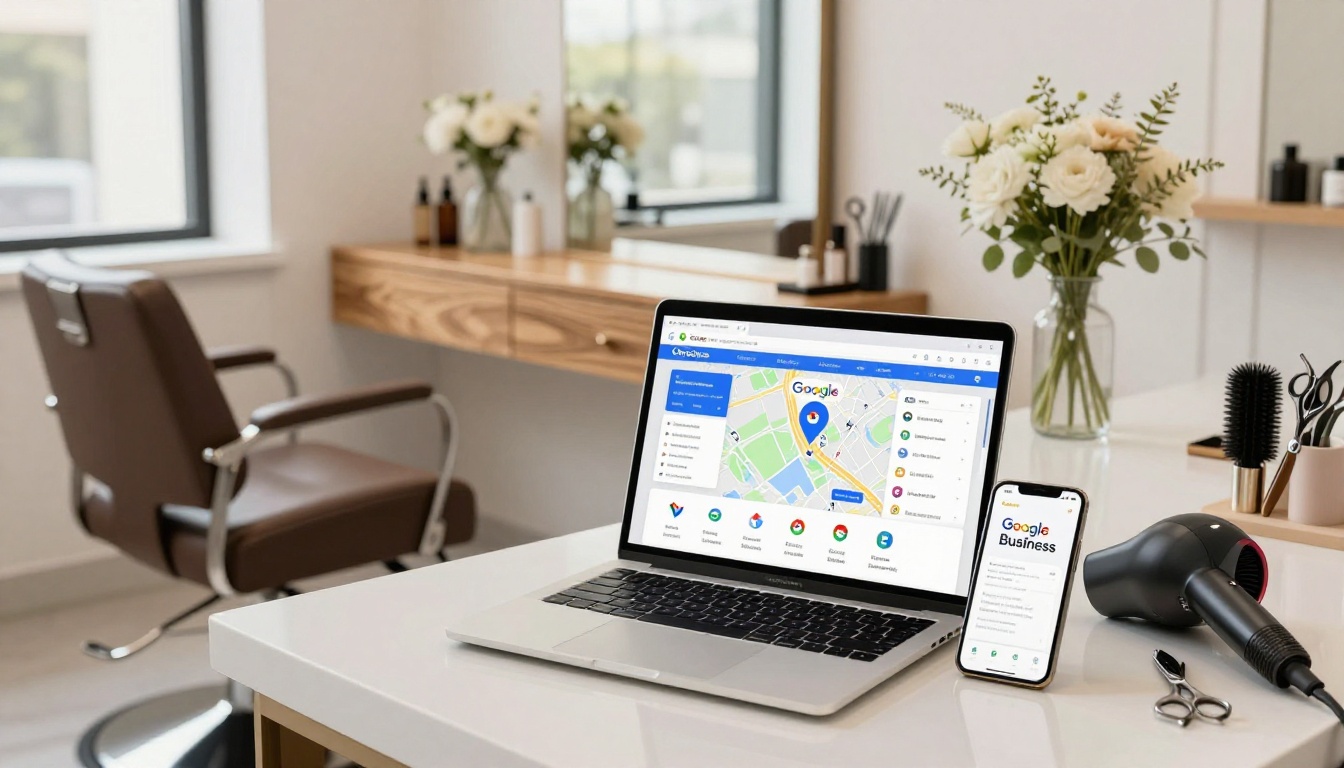


If your salon is fully booked, ignore this. Go live your best life.
If you still want more of the right clients (the ones who don’t ghost, don’t haggle, and don’t “accidentally” show up 18 minutes late), your Google Business Profile (formerly Google My Business) is one of the easiest local SEO wins for beauty professionals. It’s the little box that pops up in local search results on Google Search and Google Maps when someone types “hair salon near me” at 9:41 pm, in bed, with one eye open, boosting your online visibility.
This guide breaks down the exact fields to fill out for a Google Business Profile beauty setup, plus photo and post ideas that don’t feel like a second full-time job.
If you are starting from scratch with your GBP profile, use my set-up guide.
The exact Google Business Profile fields beauty pros should fill out (no skipping)
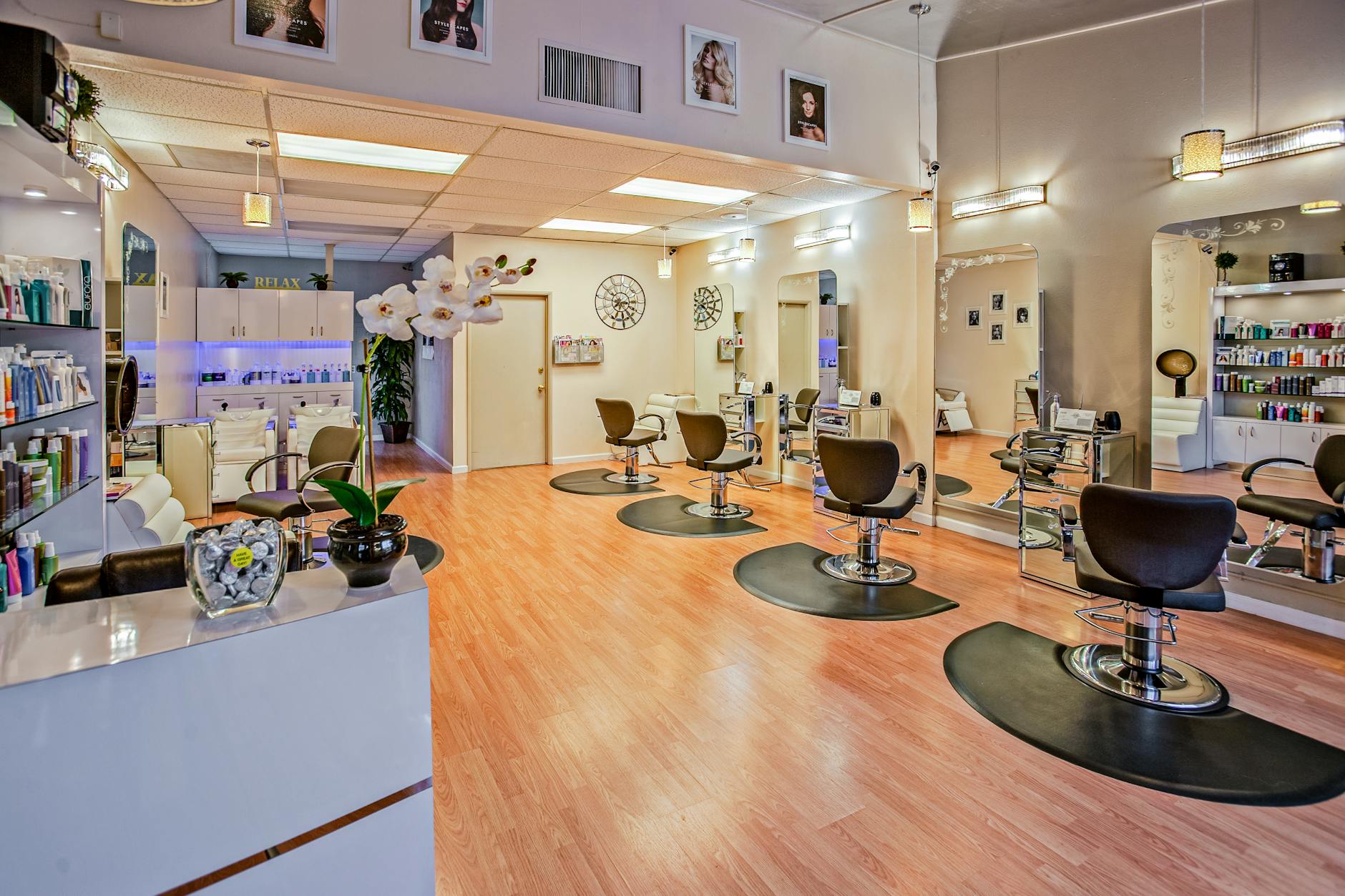 Photo by Delbeautybox
Here’s what to complete, and what to write so it actually helps you get booked.
Business name, phone, and address (the boring stuff that matters)
Use your real world name. Skip the extra keywords like “Best Balayage Luxury Hair Salon Los Angeles.” Google hates that, clients smell it, and it looks thirsty.
Your phone number and address need to match what’s on your website and other listings. NAP consistency (name, address, phone number) across platforms builds trust. If you’re in a salon suite, format the suite number the same way everywhere. Consistency makes Google trust you, and trust equals visibility.
Primary category and secondary categories (choose like a human)
Your primary category should match your main offer, so pick the right business category. For most hair businesses and beauty salons, that’s usually “Hair salon” or “Beauty salon.” Then add a few secondary categories that fit what you do every week (extensions, bridal hair, hair replacement, etc.). Don’t add categories “just in case.” If you don’t do nails, don’t pick nails. Easy.
If you want a sense of what Google emphasizes in listings right now, skim Google Business Profile features that help listings stand out.
Hours, special hours, and “yes I’m open” proof
Set your regular business hours, then add holiday hours before they hit. Nothing says “book someone else” like a client driving over and finding a locked door.
If you take clients by appointment only, set that properly. Don’t pretend you’re open 24/7 unless you enjoy chaos.
Website link and appointment link (this is where the money is)
Add your website, then add a booking link that goes straight to booking, not your homepage.
If your site makes people work to find the booking button, fix that first. A clean service menu and obvious booking path matter a lot, which is why I’m obsessed with building Showit sites that don’t waste clicks. If your menu is a mess, read this: organize hair salon services on your website.
Services (don’t write a novel)
Fill out Services inside GBP with clear, client-friendly names. Think “Women’s Haircut,” “Full Highlight,” “Balayage Refresh,” “Extension Move-Up,” “Facials,” or “Waxing services.”
Add pricing if you can. If your prices vary, use “Starting at” and keep it honest. People aren’t scared of prices, they’re scared of surprises.
Business description (750 characters, big impact)
Write like you talk in your business description. Mention your location and what you’re known for in plain words. Your business description has big impact with just 750 characters. Example vibe:
You’re a beauty salon in (City) focused on lived-in color, gray blending, and low-maintenance cuts. You offer online booking, consults for big changes, and a calm, cozy space where clients can breathe.
Sprinkle in what makes you different (education, specialties, inclusivity, parking, hours that work for working humans). Skip the awards list unless it truly matters.
Messaging, Q&A, and reviews (the “am I safe here?” section)
Turn on customer messaging if you can reply fast, or use quick replies so you don’t get trapped in an endless “how much is hair” loop.
Check the Q&A section. Anyone can ask and answer questions there. Yes, really. Add a few common questions yourself (parking, cancellation policy, extension consults) and answer them like a sane person.
Then client reviews: ask consistently, reply consistently. Keep it short, warm, and specific. Google loves active owners, and clients love proof from client reviews.
Photos that make clients pick you (and what to upload first)
Most beauty pros upload three random photos from 2019 and call it a day. Meanwhile, the salon down the street is posting high-quality photos every week and stealing your dream clients with a smile.
Start with this simple rule: your photos should answer, “What will it look like if I go there?”
Upload these first (in this order)
- Logo: crisp, centered, not a tiny Instagram screenshot.
- Cover photo: your space, your vibe, or a strong result photo that matches your brand.
- Interior: waiting area, stations, wash bowls, natural light, the good angles.
- Team: one friendly photo per stylist if it’s a salon or wellness business, or a clear solo shot if it’s you.
- Work examples: your best “repeatable” results, like lash extensions and skincare treatments, not just the one unicorn transformation.
Before-and-afters that don’t feel awkward
Before-and-after photos win for hair, lash extensions, brows, skincare treatments, and nails. Keep them consistent: same lighting, same background, same framing. Think of it like a menu photo. People want to know what to expect, not solve a mystery.
A quick tip that saves time: record a short video at the end of an appointment, then grab still frames. One clip can feed your website, GBP, and Instagram without you redoing the moment 12 times.
Keep it fresh without living on your phone
Add a few new high-quality photos each month. They don’t need to be perfect, they need to be clear. Google tends to reward active Google Business Profiles, and clients trust listings that look current.
If you’re stuck, rotate themes: “new guest results,” “blonde refresh,” “extension day,” “curly cuts,” “bridal trial season.”
Post ideas that actually get clicks (not just likes)
Google Posts are like little mini-billboards inside your listing on Google Search and Google Maps. In 2026, Google keeps pushing more visible updates for Google Posts (including more prominent “What’s happening” style content in some views), so posting is worth it when you keep it simple to reach local clients.
The goal is not to become a content creator. The goal is client acquisition by giving searchers a reason to book now.
The three posts that work all year
1) The “new client start here” post Write a short welcome, link to your new guest booking option, and mention what’s included (consult, toner, styling, whatever applies). Pin it if you can to attract local clients.
2) The “this week’s availability” post Got two openings? Post them. Add a service suggestion and a booking link. This is the online version of telling your front desk, “Please save me.”
3) The “proof” post One photo, one result, one line about the service, one line about who it’s for, link to book. Keep it clean.
Seasonal and promo ideas (without sounding salesy)
If promos make you cringe, frame them as timely and helpful. A few easy angles:
- “Back to school haircuts this month”
- “Holiday party styling bookings open”
- “Spring blonding refresh season”
- “Extension consults now available”
Need more marketing angles that don’t feel cheesy? Pull inspiration from salon marketing ideas and strategies and translate the ones you like into short Google Posts.
A tiny posting schedule you’ll actually keep
Post once a week if you’re motivated. Every other week if you’re human. The real win is consistency, not volume.
Also, don’t forget the obvious: every post should include a photo and a booking link (Book, Call, Learn more). If the link goes to a slow, confusing website, that’s like handing someone a business card with no phone number.
Conclusion
Your Google Business Profile isn’t “extra.” It’s the digital storefront for local SEO, boosting your online visibility in local search results even when you’re busy foiling and ignoring your own texts. Fill out the key fields, upload current photos, and post like you mean it (short, clear, bookable).
If you want your GBP to send clients to a website that actually converts, not one that makes people wander around like they’re lost in Target, a Website in a Day build can get you there fast. This search engine optimization strategy ensures beauty professionals like you stand out. Your next best client is already searching. Make it easy for them to choose you.


My Website in a Day service is perfect for beauty pros who need a polished, professional online presence—like, yesterday. We’ll take one of my custom-designed Showit templates and tailor it to your brand, style, and services in just one day. You’ll walk away with a site that books clients, builds trust, and looks like a million bucks (without taking forever to launch).


